BenQ PhotoVue Monitors
SW321C|32-inch 4K AdobeRGB USB-C Photographer Monitor


By Trending Word
With BacklightInteractive Display | Signage


Projector

Monitor
Lighting
Remote Work & Learning
Interactive Display | Signage
Store
BenQ empowers creative professionals with AQCOLOR Technology to help inspiration come along and come alive.
Delivers corner-to-corner authentic color and consistent luminescence. The display is divided into hundreds of sub-regions and meticulously fine-tuned for precision. This innovative tech assures dependable image fidelity.
Without

With

HotKey Puck G2
The Hotkey Puck G2 makes navigating your screen settings a breeze.
Shading Hood
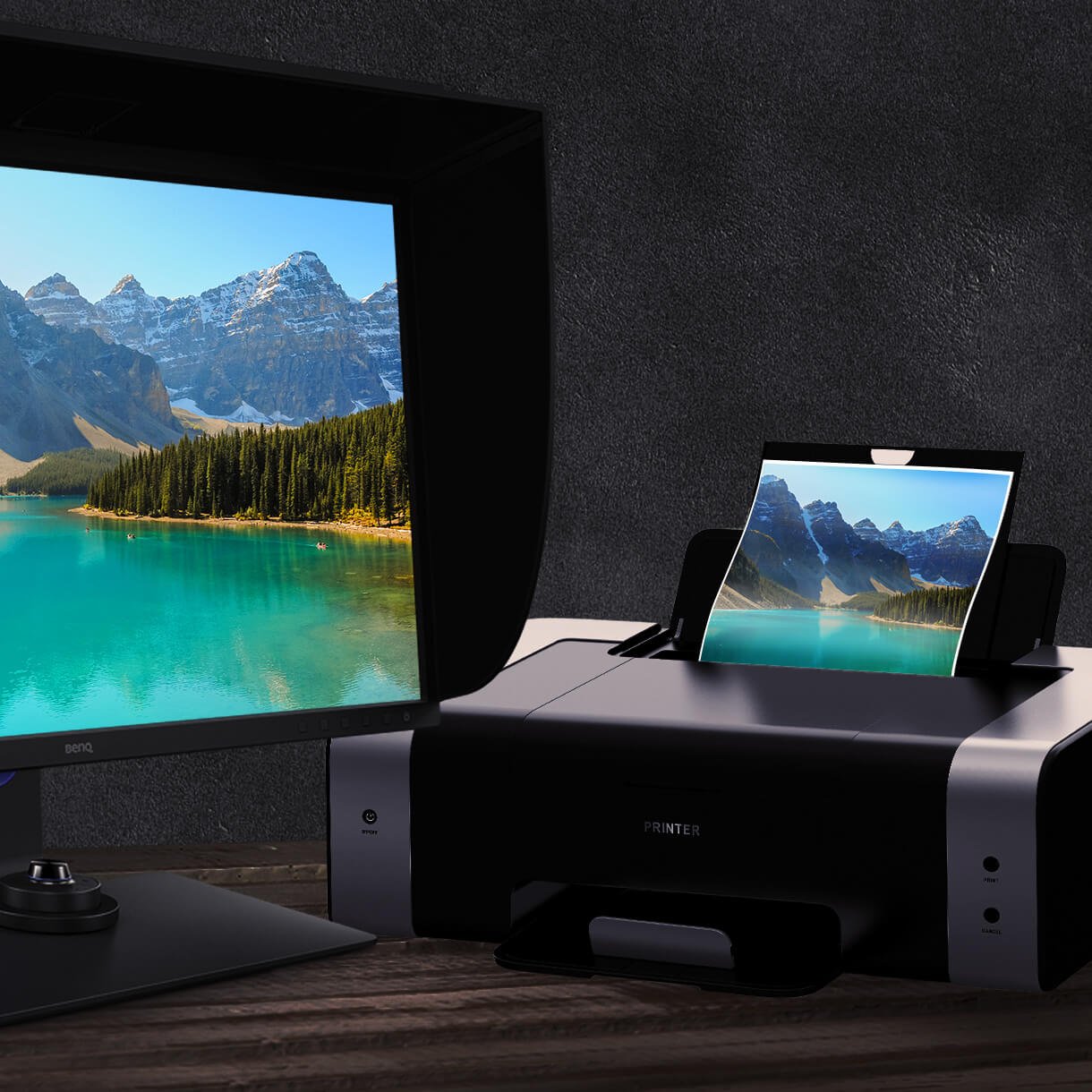
Reducing unwanted glare from ambient lighting, the shading hood is perfect for BenQ PhotoVue Monitors.
Ergonomic Design
Create in comfort with your monitor in the ideal position.
USB-C
The USB-C port provides lightning-fast video/audio/data transmission and 60W power delivery.
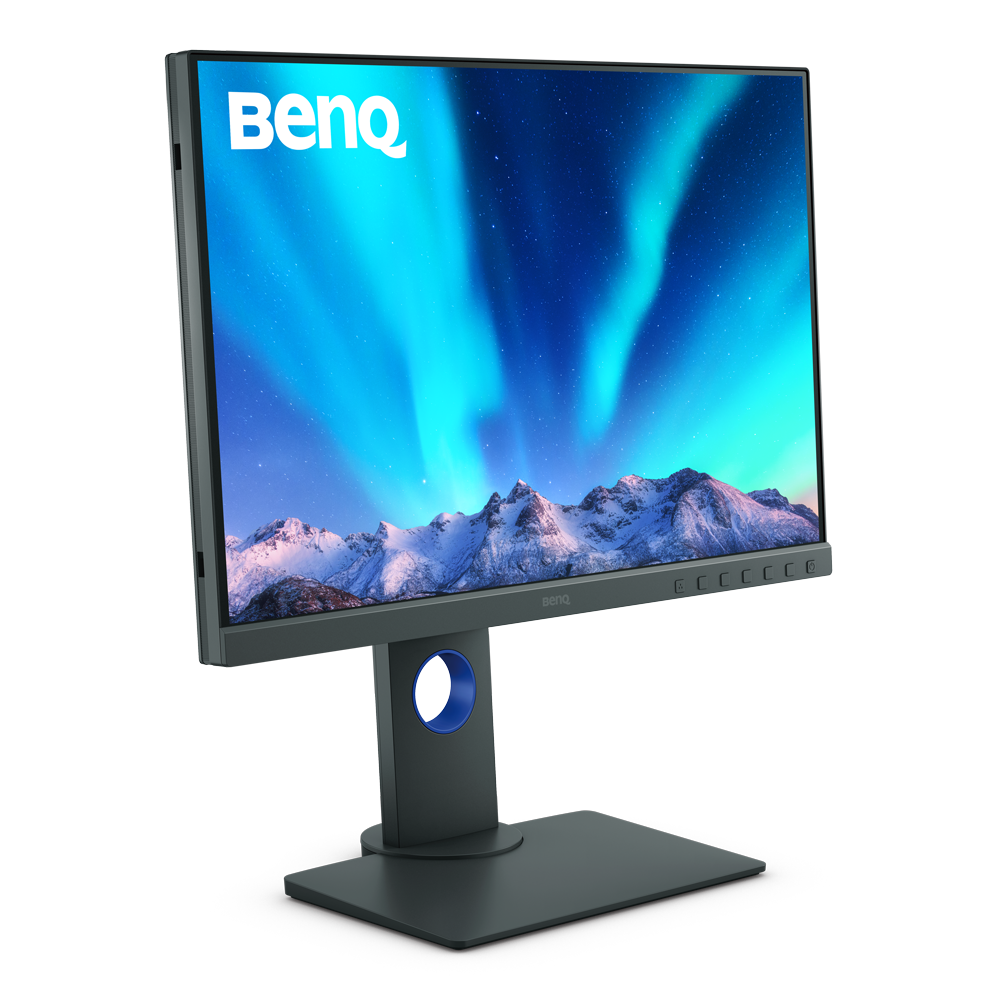
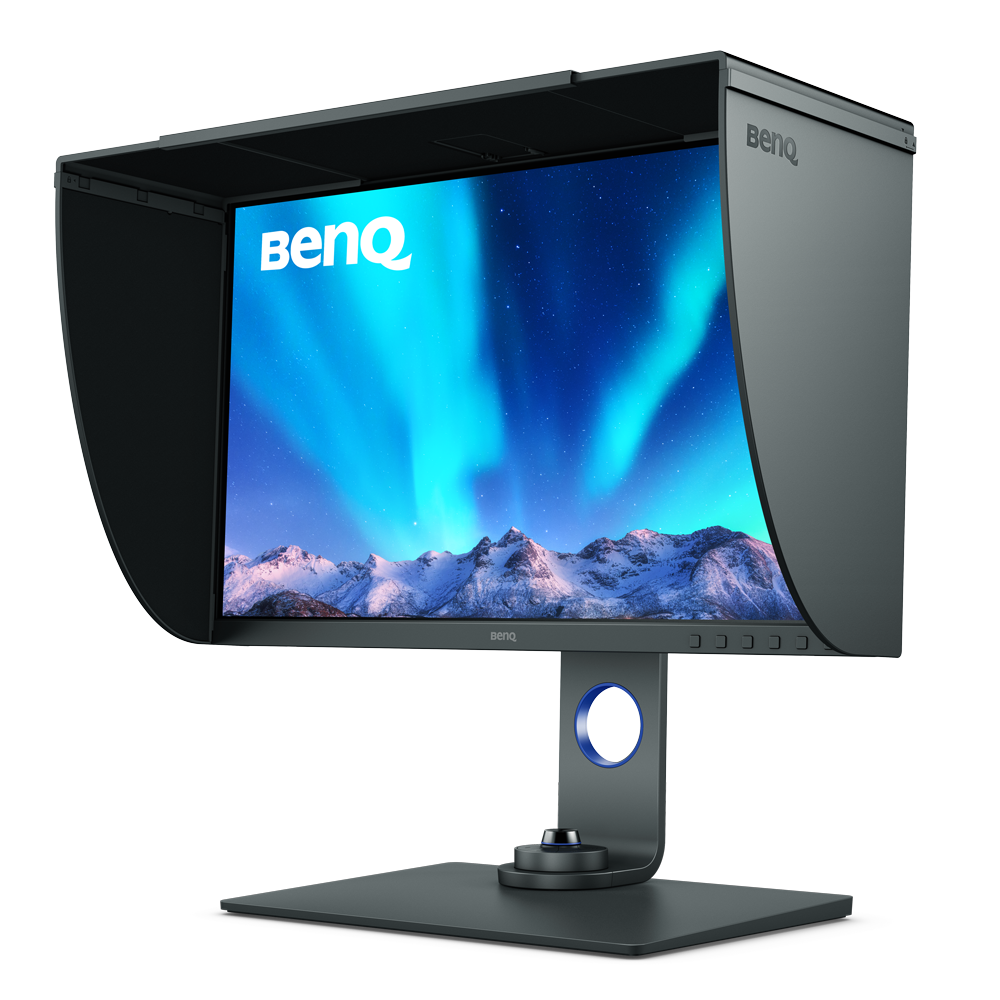
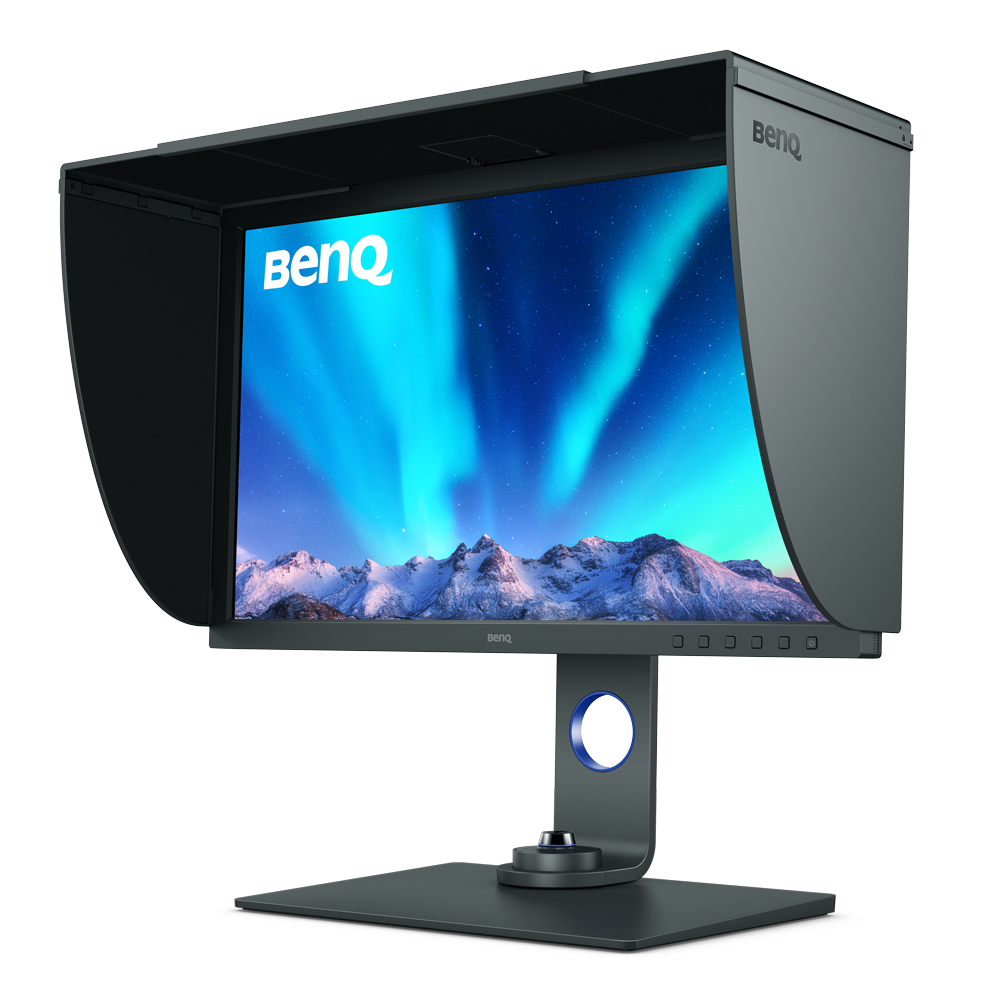
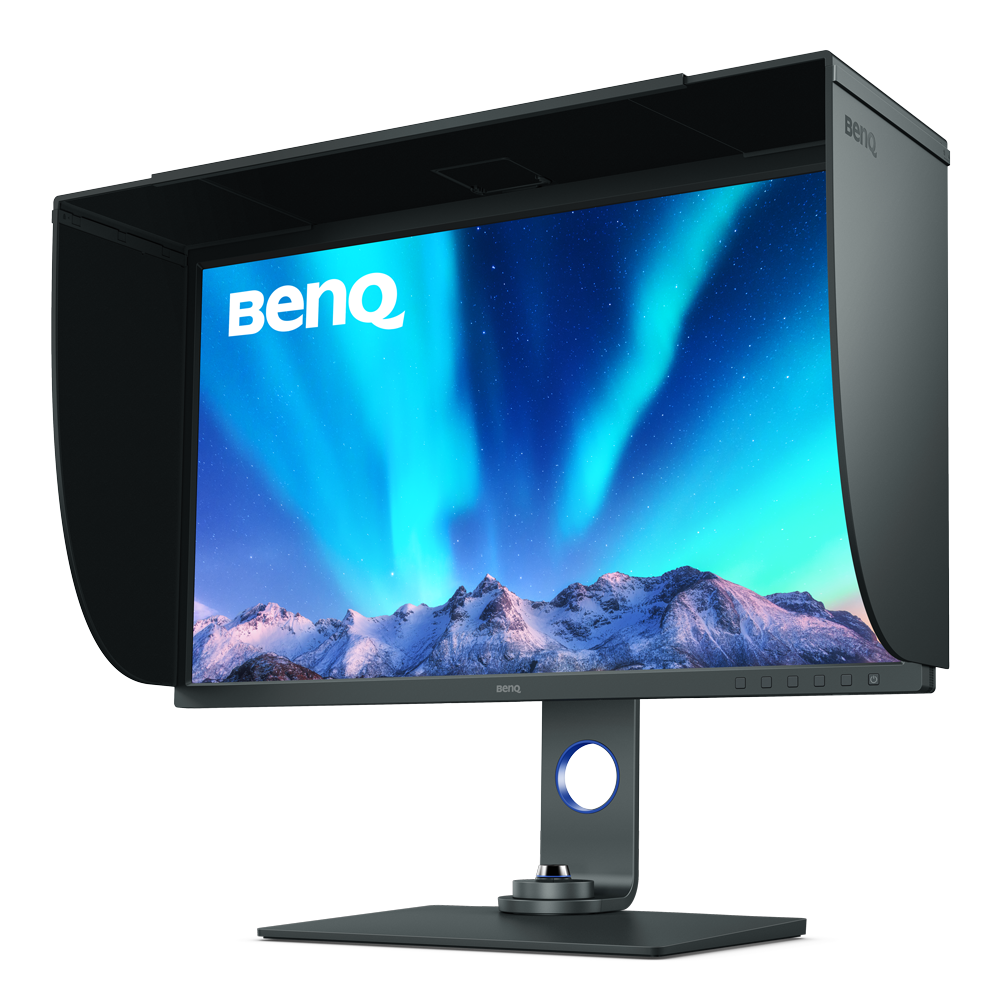
550
2700 inch
27 inch
31.5 inch
100% sRGB ,95% P3 ,99% AdobeRGB
100% sRGB ,97% P3 ,99% AdobeRGB
100% sRGB ,90% P3 ,99% AdobeRGB
100% sRGB ,95% P3 ,99% AdobeRGB
1920x1200
2560x1440
3840x2160
3840x2160
≤2
≤2
≤2
≤2
HDR10
HDR10,HLG
HDR10,HLG
1
1
1
FAQ
Download
FAQs
What's different between native resolution and supported resolution?
The native resolution is the Horizontal by Vertical pixel count. For example, if the resolution is 1920x1080, that means there are 1920 horizontal pixels by 1080 vertical pixels on the DMD Chip. The real pixels depend on the resolution of a DMD-chip. For supported resolutions, the projector could have the Native DMD chip with 1024 x768 native resolution, but it can support higher resolutions 1280*800 or higher via the DDC timing IC and software translatation. Thus the 1024 x768 is the native resolution and any resolution higher or lower is the supported resolution.