


BenQ Professional Monitors™
{{item.name}}
Price: {{currency}}{{item.price| numberThousandsCommas | numberDecimalPoint}}
Qty: {{item.amount}}


By Trending Word
With BacklightInteractive Display | Signage


Projector

Monitor
Lighting
Remote Work & Learning
Interactive Display | Signage
Store
BenQ Professional Monitors™


A decade of experience in dust-affected classrooms prompted BenQ to develop and optimise our anti-dust projectors for education.
BenQ DLP (Digital Light Processing) projectors with advanced dustproof technology create a long-lasting clear projection that maximises student engagement.
test
Love this monitor for programming. I can say for coding it is great. It really brings out the Dark Themes in my IDE and i can tell a difference.
test2
Finally, a hi-dpi 16:10 monitor! Crisp text, good brightness, and good reflection handling.
test3
"The BenQ MA270UP's impressive image quality makes it an affordable alternative to Apple’s 5K Studio Display. Colors are full of life, and the detail is excellent. One standout aspect of the image quality is how sharp the text appears."
test4
test4
test5
test5
test6
test6
Adobe RGB, sRGB, P3 Color
BenQ Uniformity Technology
Hardware Calibrated with Delta E≤2
Palette Master Element
Paper Color Sync for Screen to Print
Calman & Pantone Certificate
P3 Color, sRGB, Rec.709
Factory Calibrated with Delta E≤3
Calman and Pantone Certificate
BenQ Uniformity Technology
VESA DisplayHDR 400
Thunderbolt 3

The refresh rate determines how many times per second the screen updates the image. A 144Hz monitor already provides a big leap in smoothness over standard 60Hz, but 165Hz or 240Hz takes responsiveness to another level, especially for FPS and action games. The higher the refresh rate, the more fluid the motion — making fast movements feel natural and immersive.
Professional Series for Color Experts
Compare all Professional MonitorsPrice include of all taxes
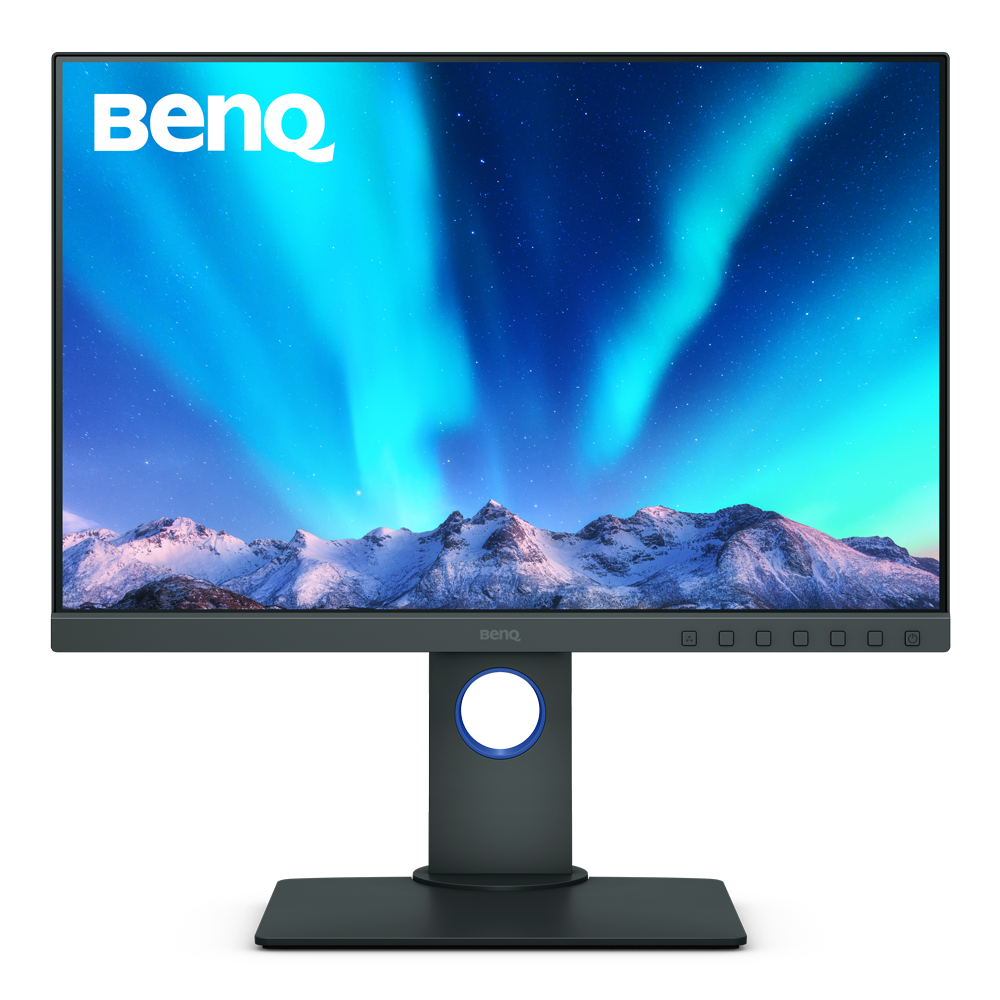
Hardware Calibration
with calibrators and BenQ software PME/PMU
{{currency}}{{ n[1]| numberThousandsCommas | numberDecimalPoint }} -
Learn moreUp to
99% AdobeRGB
Color Gamut
Up to
1920x1200
Resolution
Delta E ≤ 2
Color Accuracy
Color Certification
-
High Dynamic Range
Anti-Reflection Technology
Panel Coating
-
All-in-One Connection
Paper Color Sync
Assistant Tool
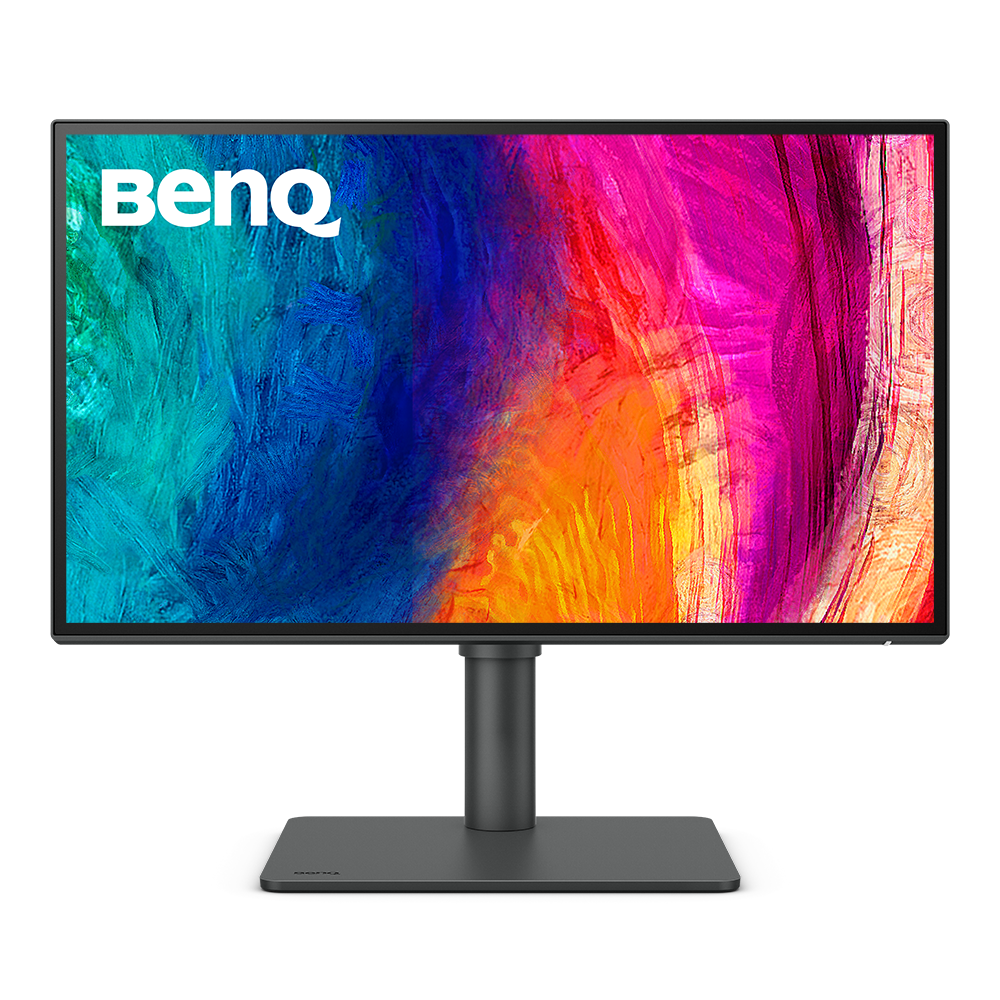
Factory Calibration
is done to ensure highest color accuracy
{{currency}}{{ n[1]| numberThousandsCommas | numberDecimalPoint }} -
Learn moreUp to
95% P3
Color Gamut
Up to
2560x1440
Resolution
Delta E ≤ 3
Color Accuracy
Color Certification
VESA DisplayHDR 400
High Dynamic Range
Anti-Reflection Technology
Panel Coating
USB-C
All-in-One Connection
Display Pilot
Assistant Tool
Color Gamut
Color gamut is defined as the range of colors which a particular device can produce or record , with some commonly used standards such as Rec.2020, DCI-P3, AdobeRGB, sRGB, and NTSC.
Color Accuracy
Delta E is often used to evaluate perceived color differences. A delta of less than 1.00 means that there is no perceivable difference for color experts when two colors are compared side by side.
Color Certification
Certifications that test, evaluate, or verify the monitor's ability to accurately reproduce Pantone colors and lifelike skin tones that match and include all consumers,or whether a display has met the criteria for video post-production editing and reviewing purposes.
Assistant Tool
BenQ Assistant Tool enables photographers and designers to facilitate their workflow while doing color management, screen-to-print adjustment and color gamuts switching in color critical projects.
Color Gamut
Color gamut is defined as the range of colors which a particular device can produce or record , with some commonly used standards such as Rec.2020, DCI-P3, AdobeRGB, sRGB, and NTSC.
Color Accuracy
Delta E is often used to evaluate perceived color differences. A delta of less than 1.00 means that there is no perceivable difference for color experts when two colors are compared side by side.
Color Certification
Certifications that test, evaluate, or verify the monitor's ability to accurately reproduce Pantone colors and lifelike skin tones that match and include all consumers,or whether a display has met the criteria for video post-production editing and reviewing purposes.
HDR
High Dynamic Range (HDR) is a technology that produces images with a large perceptible difference between bright and dark regions for realistically bright or dark pictures without subtle detail loss.
Assistant Tool
BenQ Assistant Tool enables photographers and designers to facilitate their workflow while doing color management, screen-to-print adjustment and color gamuts switching in color critical projects.
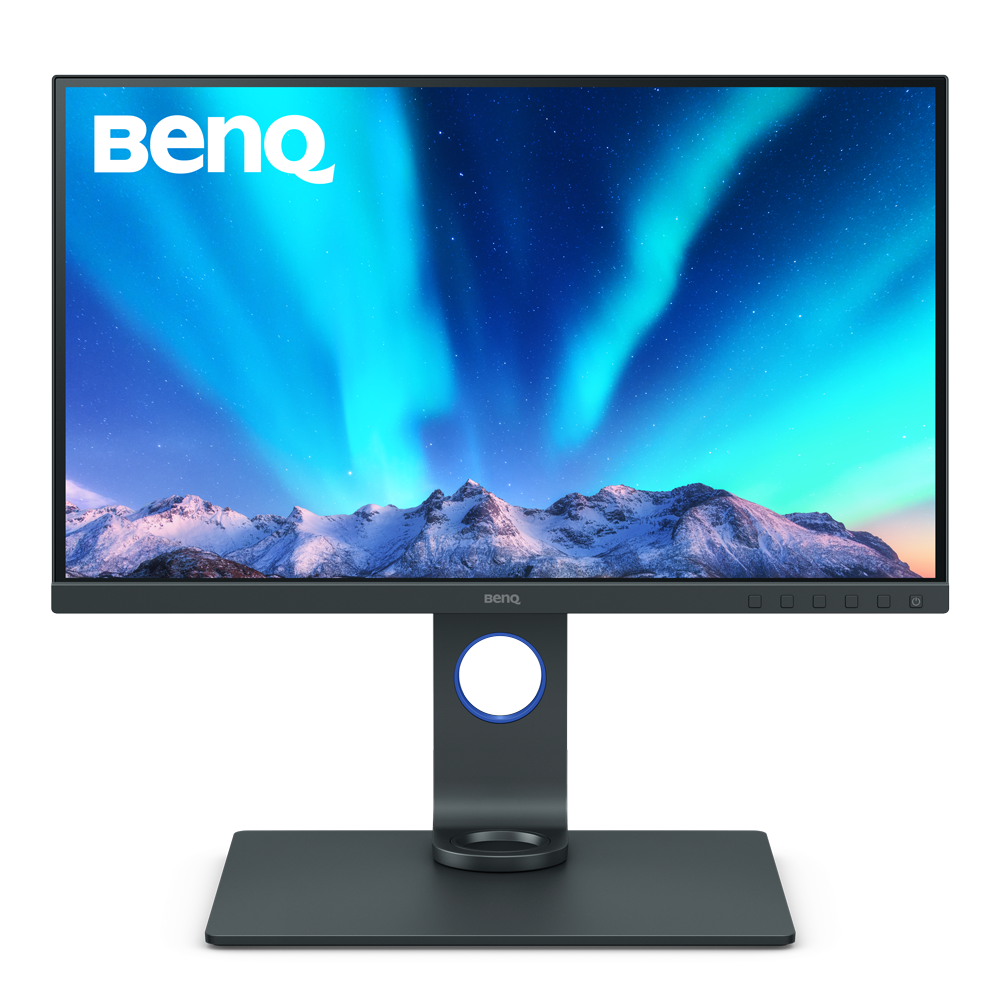
Hardware Calibration
with calibrators and BenQ software PME/PMU
{{currency}}{{ n[1]| numberThousandsCommas | numberDecimalPoint }} -
Learn moreUp to
99% AdobeRGB
Color Gamut
Up to
3840x2160
Resolution
Delta E ≤ 2
Color Accuracy
Color Certification
HDR10,HLG
High Dynamic Range
Anti-Reflection Technology
Panel Coating
USB-C
All-in-One Connection
Paper Color Sync
Assistant Tool
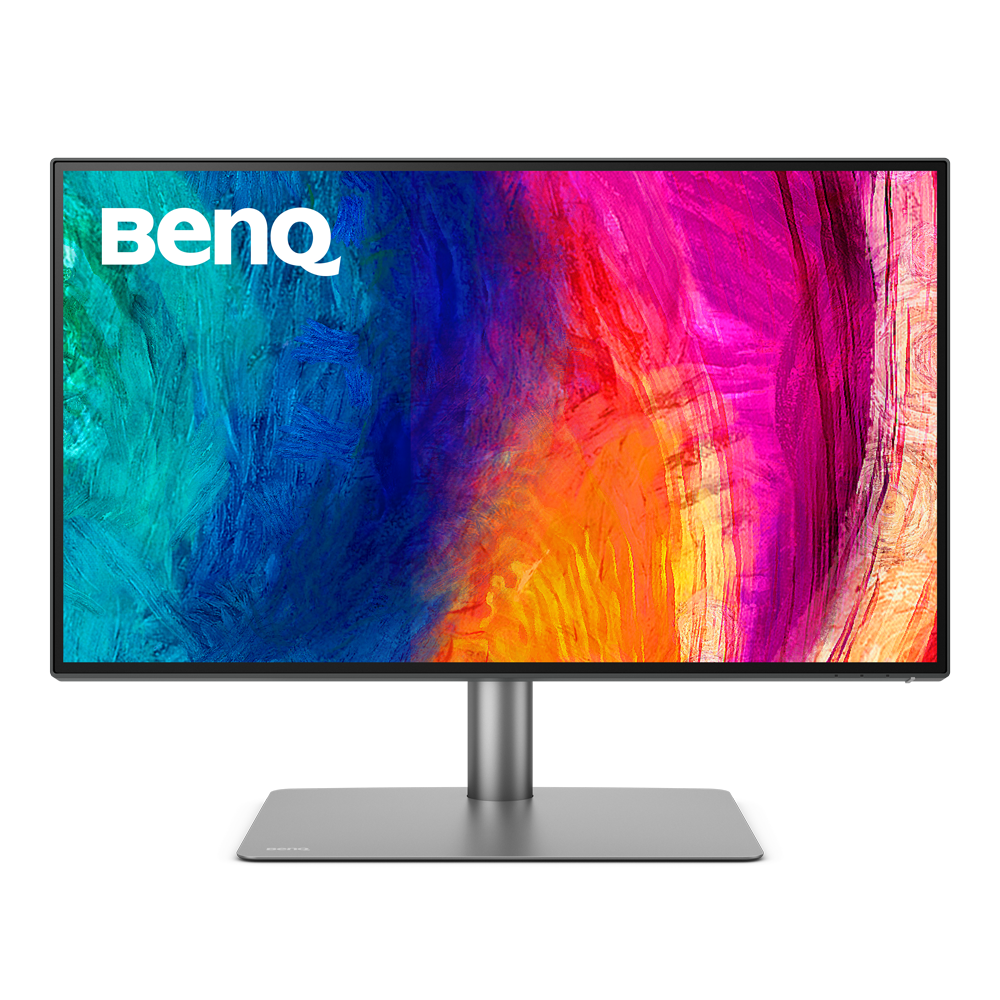
Factory Calibration
is done to ensure highest color accuracy
{{currency}}{{ n[1]| numberThousandsCommas | numberDecimalPoint }} -
Learn moreUp to
95% P3
Color Gamut
Up to
3840x2160
Resolution
Delta E ≤ 3
Color Accuracy
Color Certification
VESA DisplayHDR 400
High Dynamic Range
Anti-Reflection Technology
Panel Coating
Thunderbolt 3
All-in-One Connection
Display Pilot
Assistant Tool
Color Gamut
Color gamut is defined as the range of colors which a particular device can produce or record , with some commonly used standards such as Rec.2020, DCI-P3, AdobeRGB, sRGB, and NTSC.
Color Accuracy
Delta E is often used to evaluate perceived color differences. A delta of less than 1.00 means that there is no perceivable difference for color experts when two colors are compared side by side.
Color Certification
Certifications that test, evaluate, or verify the monitor's ability to accurately reproduce Pantone colors and lifelike skin tones that match and include all consumers,or whether a display has met the criteria for video post-production editing and reviewing purposes.
HDR
High Dynamic Range (HDR) is a technology that produces images with a large perceptible difference between bright and dark regions for realistically bright or dark pictures without subtle detail loss.
Assistant Tool
BenQ Assistant Tool enables photographers and designers to facilitate their workflow while doing color management, screen-to-print adjustment and color gamuts switching in color critical projects.
Color Gamut
Color gamut is defined as the range of colors which a particular device can produce or record , with some commonly used standards such as Rec.2020, DCI-P3, AdobeRGB, sRGB, and NTSC.
Color Accuracy
Delta E is often used to evaluate perceived color differences. A delta of less than 1.00 means that there is no perceivable difference for color experts when two colors are compared side by side.
Color Certification
Certifications that test, evaluate, or verify the monitor's ability to accurately reproduce Pantone colors and lifelike skin tones that match and include all consumers,or whether a display has met the criteria for video post-production editing and reviewing purposes.
HDR
High Dynamic Range (HDR) is a technology that produces images with a large perceptible difference between bright and dark regions for realistically bright or dark pictures without subtle detail loss.
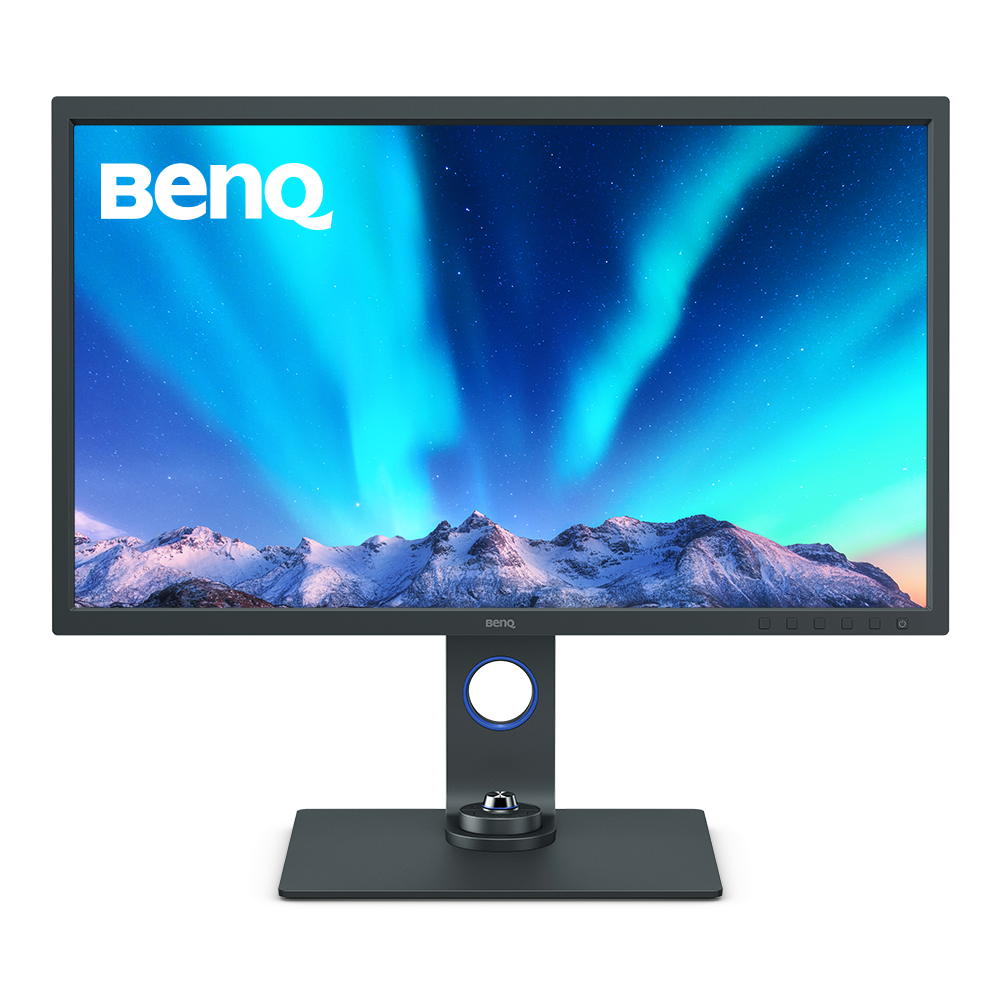
Hardware Calibration
with calibrators and BenQ software PME/PMU
{{currency}}{{ n[1]| numberThousandsCommas | numberDecimalPoint }} -
Learn moreUp to
99% AdobeRGB
Color Gamut
Up to
3840x2160
Resolution
Delta E ≤ 2
Color Accuracy
Color Certification
HDR10,HLG
High Dynamic Range
Anti-Reflection Technology
Panel Coating
USB-C
All-in-One Connection
Paper Color Sync
Assistant Tool
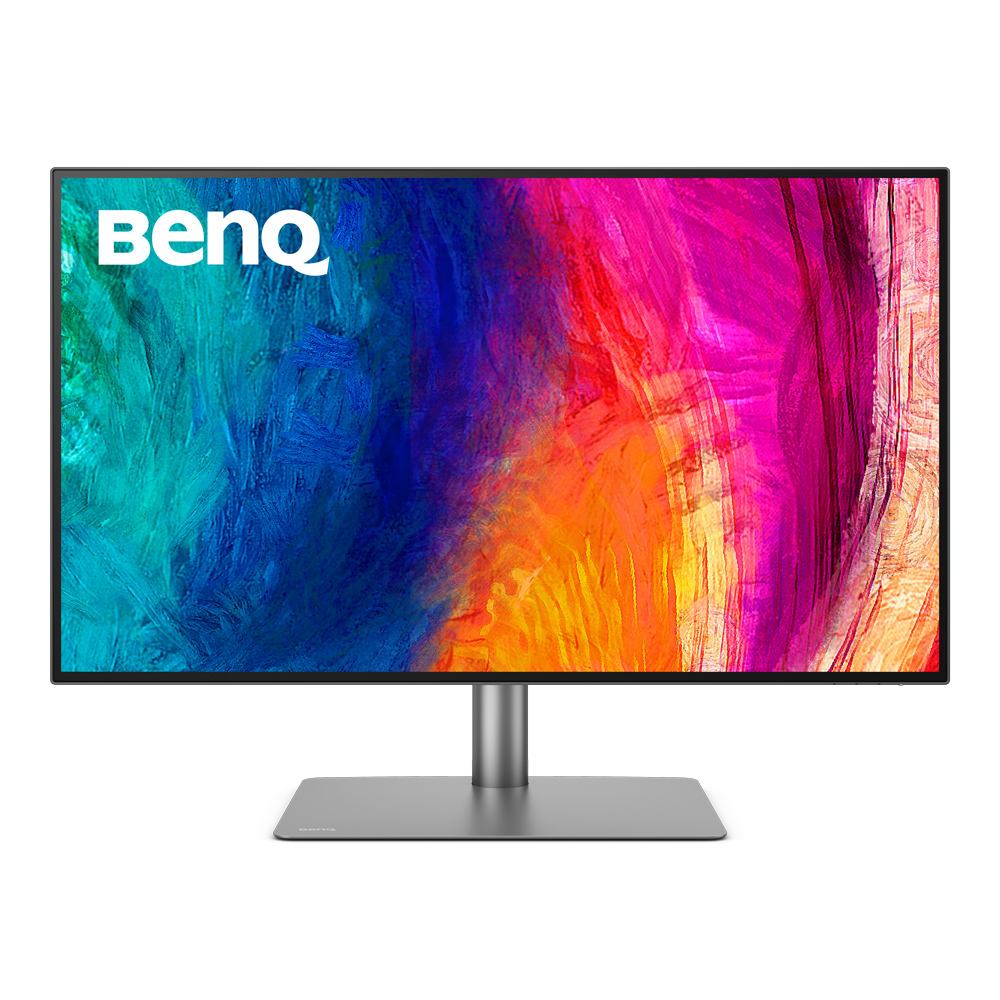
Factory Calibration
is done to ensure highest color accuracy
{{currency}}{{ n[1]| numberThousandsCommas | numberDecimalPoint }} -
Learn moreUp to
95% P3
Color Gamut
Up to
3840x2160
Resolution
Delta E ≤ 3
Color Accuracy
Color Certification
HDR10
High Dynamic Range
Anti-Reflection Technology
Panel Coating
Thunderbolt 3
All-in-One Connection
Display Pilot
Assistant Tool
Color Gamut
Color gamut is defined as the range of colors which a particular device can produce or record , with some commonly used standards such as Rec.2020, DCI-P3, AdobeRGB, sRGB, and NTSC.
Color Accuracy
Delta E is often used to evaluate perceived color differences. A delta of less than 1.00 means that there is no perceivable difference for color experts when two colors are compared side by side.
Color Certification
Certifications that test, evaluate, or verify the monitor's ability to accurately reproduce Pantone colors and lifelike skin tones that match and include all consumers,or whether a display has met the criteria for video post-production editing and reviewing purposes.
HDR
High Dynamic Range () is a technology that produces images with a large perceptible difference between bright and dark regions for realistically bright or dark pictures without subtle detail loss.
Assistant Tool
BenQ Assistant Tool enables photographers and designers to facilitate their workflow while doing color management, screen-to-print adjustment and color gamuts switching in color critical projects.
Color Gamut
Color gamut is defined as the range of colors which a particular device can produce or record , with some commonly used standards such as Rec.2020, DCI-P3, AdobeRGB, sRGB, and NTSC.
Color Accuracy
Delta E is often used to evaluate perceived color differences. A delta of less than 1.00 means that there is no perceivable difference for color experts when two colors are compared side by side.
Color Certification
Certifications that test, evaluate, or verify the monitor's ability to accurately reproduce Pantone colors and lifelike skin tones that match and include all consumers,or whether a display has met the criteria for video post-production editing and reviewing purposes.
HDR
High Dynamic Range (HDR) is a technology that produces images with a large perceptible difference between bright and dark regions for realistically bright or dark pictures without subtle detail loss.
Assistant Tool
BenQ Assistant Tool enables photographers and designers to facilitate their workflow while doing color management, screen-to-print adjustment and color gamuts switching in color critical projects.
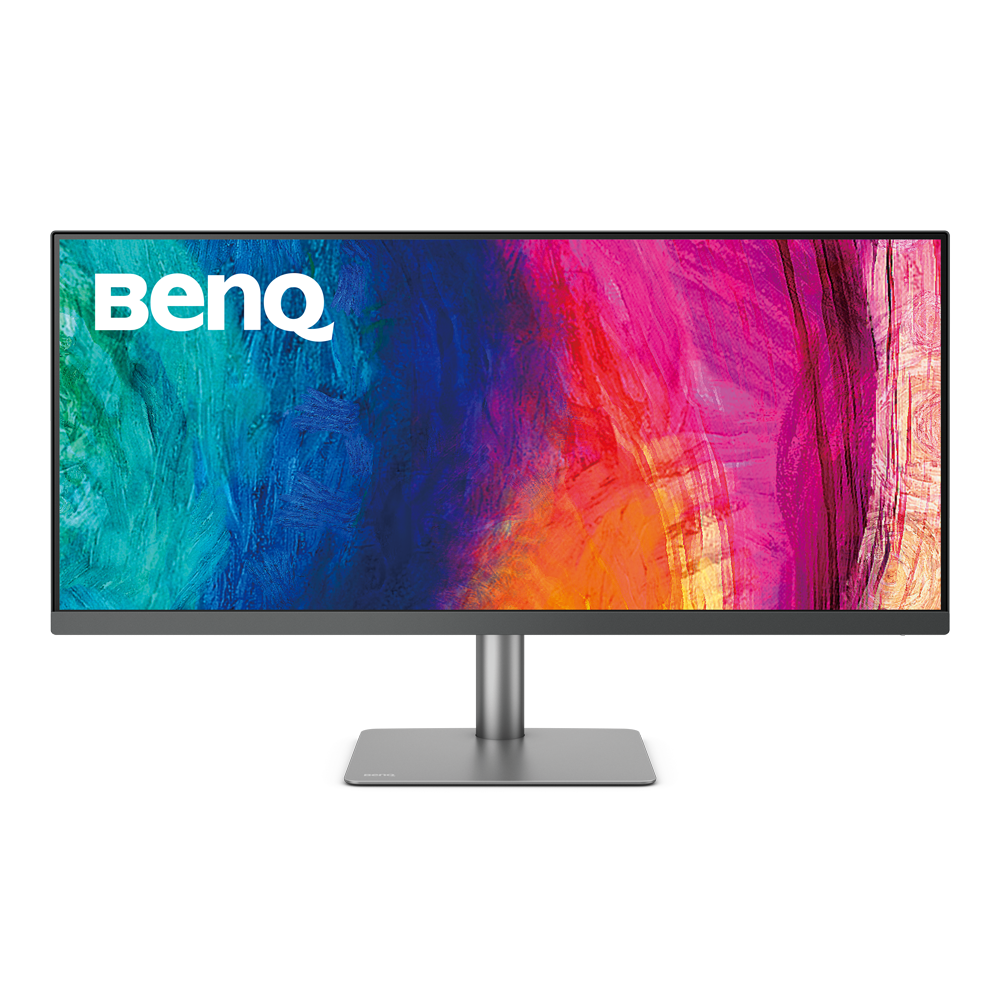
Factory Calibration
is done to ensure highest color accuracy
{{currency}}{{ n[1]| numberThousandsCommas | numberDecimalPoint }} -
Learn moreUp to
98% P3
Color Gamut
Up to
3440x1440
Resolution
Delta E ≤ 3
Color Accuracy
Color Certification
VESA DisplayHDR 400
High Dynamic Range
Anti-Reflection Technology
Panel Coating
USB-C
All-in-One Connection
Display Pilot
Assistant Tool
Color Gamut
Color gamut is defined as the range of colors which a particular device can produce or record , with some commonly used standards such as Rec.2020, DCI-P3, AdobeRGB, sRGB, and NTSC.
Color Accuracy
Delta E is often used to evaluate perceived color differences. A delta of less than 1.00 means that there is no perceivable difference for color experts when two colors are compared side by side.
Color Certification
Certifications that test, evaluate, or verify the monitor's ability to accurately reproduce Pantone colors and lifelike skin tones that match and include all consumers,or whether a display has met the criteria for video post-production editing and reviewing purposes.
HDR
High Dynamic Range (HDR) is a technology that produces images with a large perceptible difference between bright and dark regions for realistically bright or dark pictures without subtle detail loss.
Assistant Tool
BenQ Assistant Tool enables photographers and designers to facilitate their workflow while doing color management, screen-to-print adjustment and color gamuts switching in color critical projects.





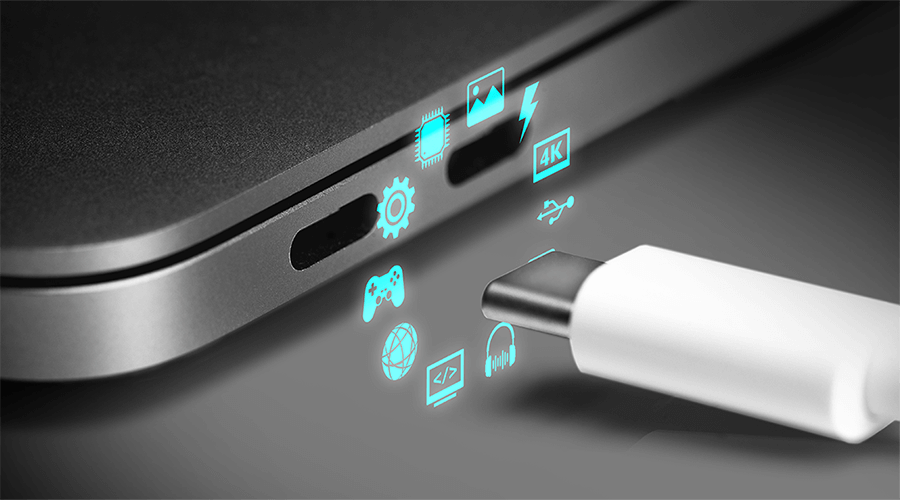
USB-C Introduction: What is USB-C DisplayPort (DP Alt Mode)
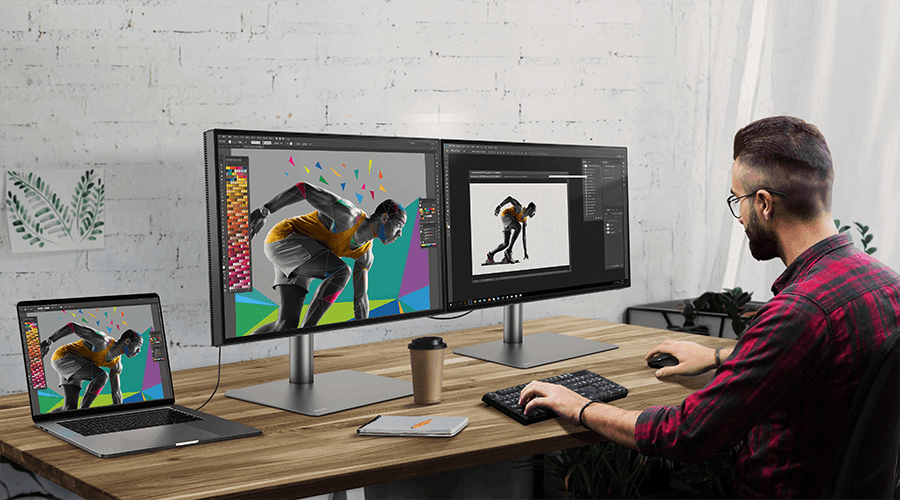
How to Daisy Chain Monitors Using Thunderbolt or DisplayPort

How Can I Connect My Mac M1/M2 to a BenQ Monitor?
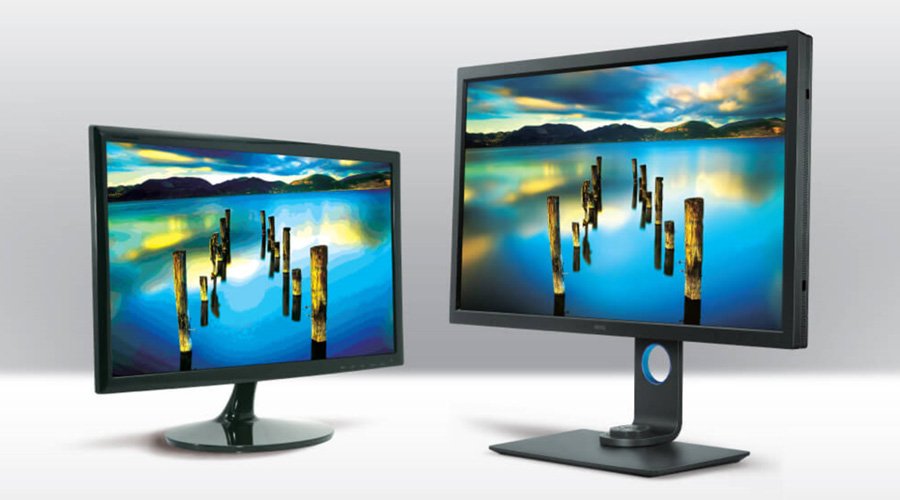
10-Bit vs. 8-Bit + FRC: Monitor Panel Difference
Support Center
Contact Us





